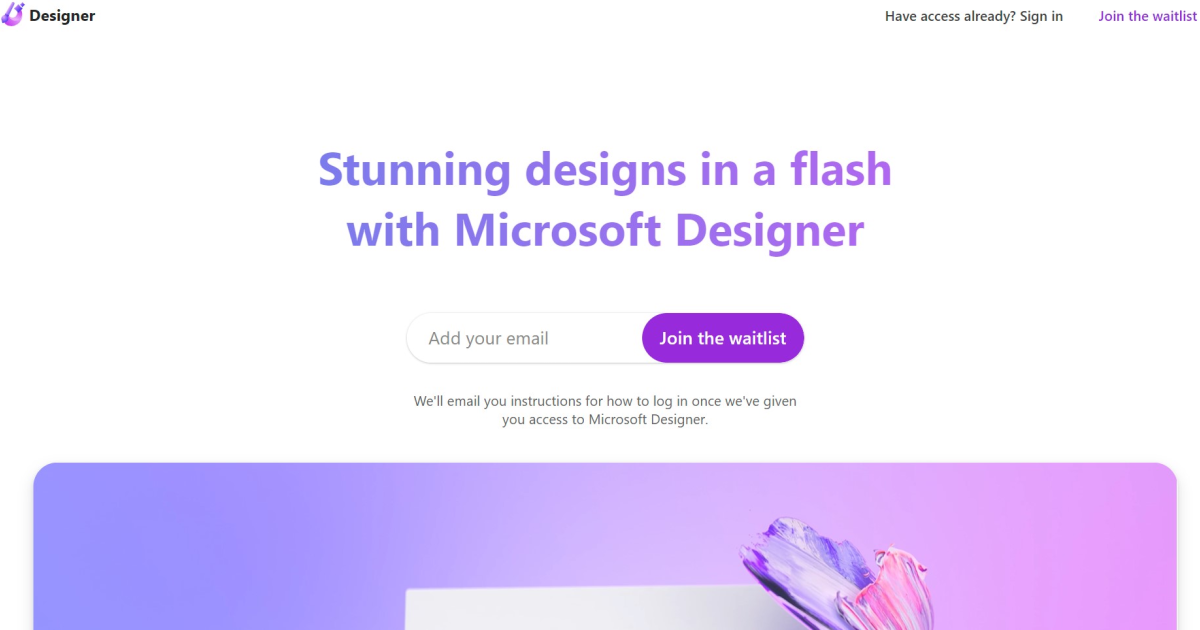
Microsoft Designer

About Microsoft Designer
Verified summary and editor assessment
Microsoft Designer
Microsoft Designer stands out in the presentations ecosystem for its balance of capability and accessible design. With an AIToolboard Score of 89/100, we recommend Microsoft Designer for individuals and teams seeking efficient AI acceleration with low onboarding friction.
Top Microsoft Designer Alternatives in 2026
Compare Microsoft Designer against leading competitors in presentations
| Tool | Category | Pricing | Compare | Action |
|---|---|---|---|---|
E EditablePPT Turn PDFs and images into editable PowerPoint | presentations | freemium | Microsoft Designer vs EditablePPT → | Review |
F FlowPrompter Invisible AI teleprompter that scrolls as you speak. | presentations | freemium | Microsoft Designer vs FlowPrompter → | Review |
P PPT Online Draft presentations with AI, refine editable slides in your browser, and export watermark-free PPTX or PDF files. | presentations | free | Microsoft Designer vs PPT Online → | Review |
A AI HTML Slide Editor Edit AI-generated HTML slides in your browser—text, images, pages—then export a clean single-file deck. Runs locally. | presentations | free | Microsoft Designer vs AI HTML Slide Editor → | Review |
S Slidecove €15 one-time AI presentation/carousel tool from Focus2Grow. No subscription. | presentations | paid | Microsoft Designer vs Slidecove → | Review |
S Slidr Slides pro générées par IA en 30s, avec une première slide gratuite sans inscription. | presentations | freemium | Microsoft Designer vs Slidr → | Review |
Microsoft Designer Frequently Asked Questions
Q:What is Microsoft Designer?
Microsoft Designer is a leading AI tool in the presentations category designed to accelerate workflow productivity and automate complex tasks.
Q:How much does Microsoft Designer cost?
Microsoft Designer operates on a freemium pricing model. Check the official website for real-time tier options and enterprise volume discounts.
Q:What are the top alternatives to Microsoft Designer?
The best alternatives to Microsoft Designer include EditablePPT, FlowPrompter, PPT Online. Each offers distinct features for presentations workflows.
Q:Is Microsoft Designer suitable for business teams?
Yes, Microsoft Designer holds an AIToolboard Enterprise Readiness score of 90/100, making it well-suited for individual creators, fast-growing startups, and corporate teams.
Experience Microsoft Designer in Action
Supercharge your daily workflow with verified AI software from AIToolboard.
Visit Microsoft Designer Official Website